Tivilo TV for phone and tablet
For Android 8 or newer. Watch in portrait or landscape, control everything by touch and cast to your Chromecast.
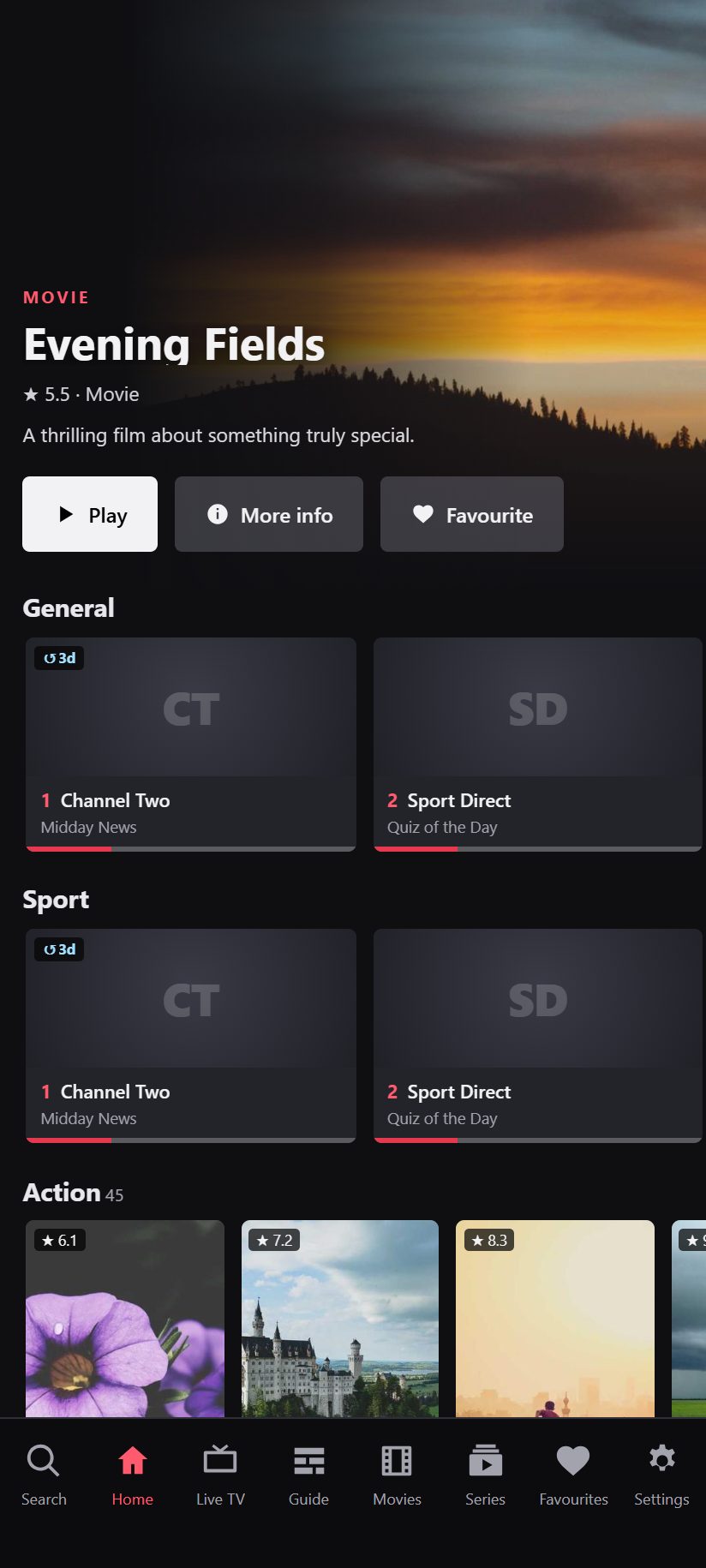
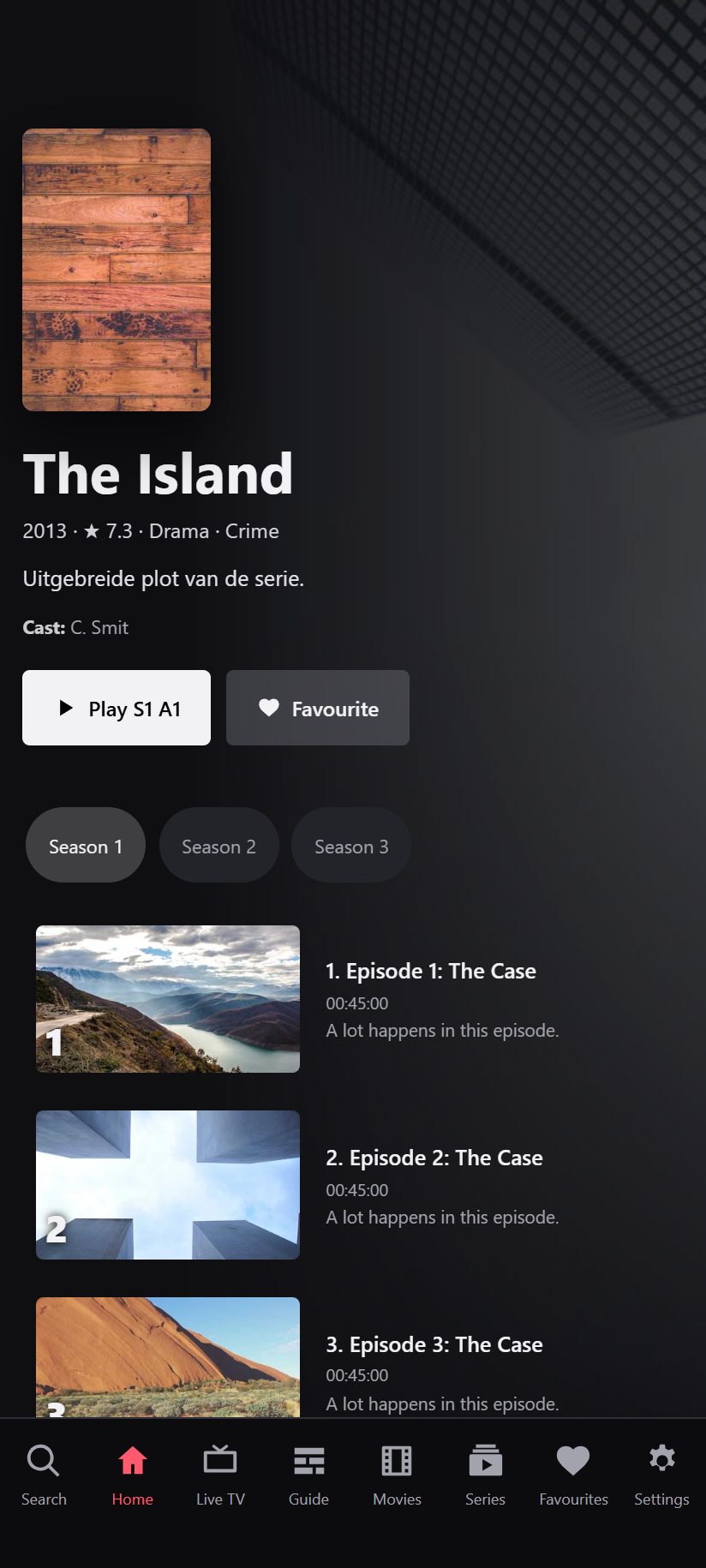
What it looks like

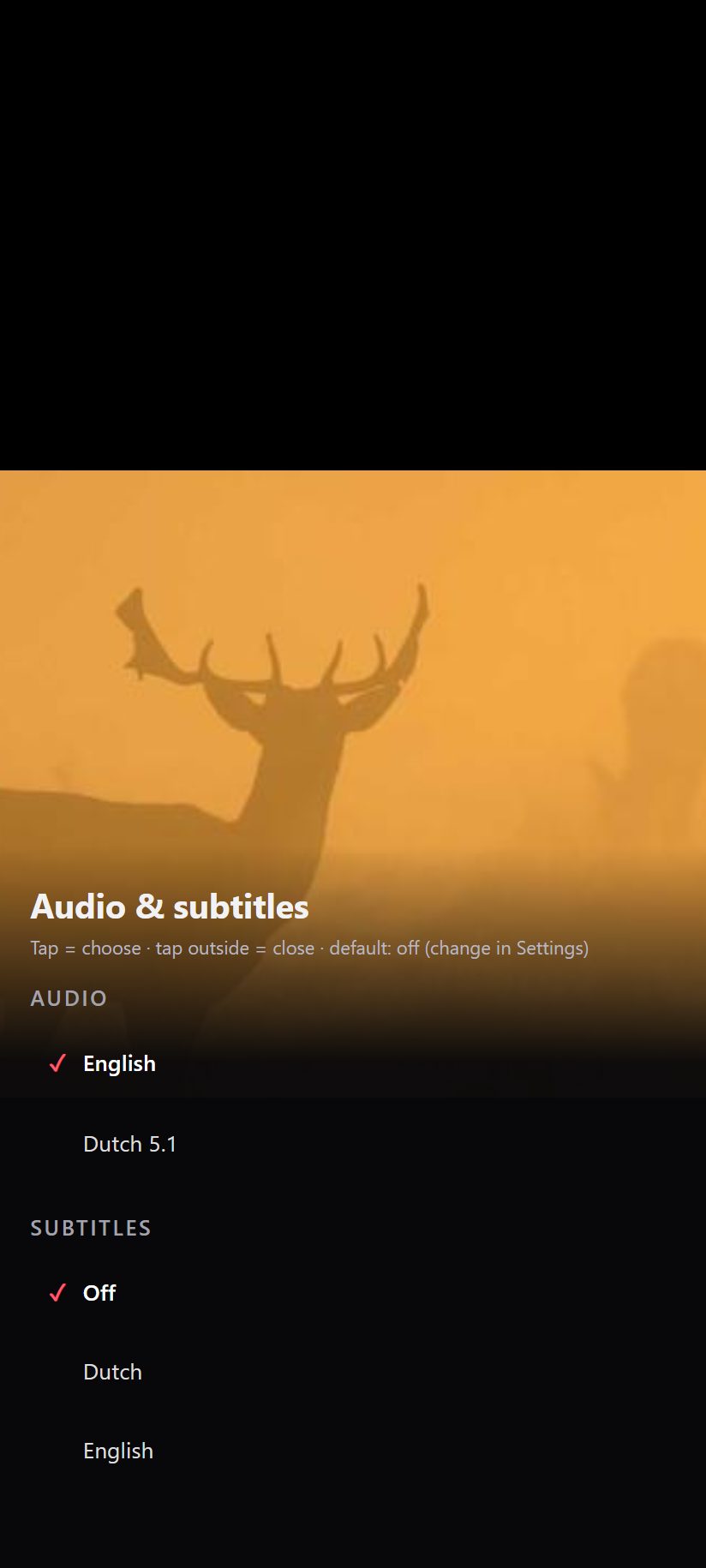
Installation
- Open this page on your phone and tap the download button.
- Open the downloaded file and allow Install unknown apps for your browser or file manager.
- Tap Install. If Play Protect warns you, choose More details › Install anyway.
Samsung: if installing fails, Auto Blocker is on (Settings › Security and privacy). Turn it off temporarily, install Tivilo TV and turn it back on.
First use
- Choose Xtream Codes account and enter the server, username and password from your provider. Or choose M3U URL and paste your playlist link.
- Optional: enter an EPG URL (XMLTV) for the TV guide.
- Done. You can now try Tivilo TV with all features for 7 days.
Controls
- Long-press a title to open the options.
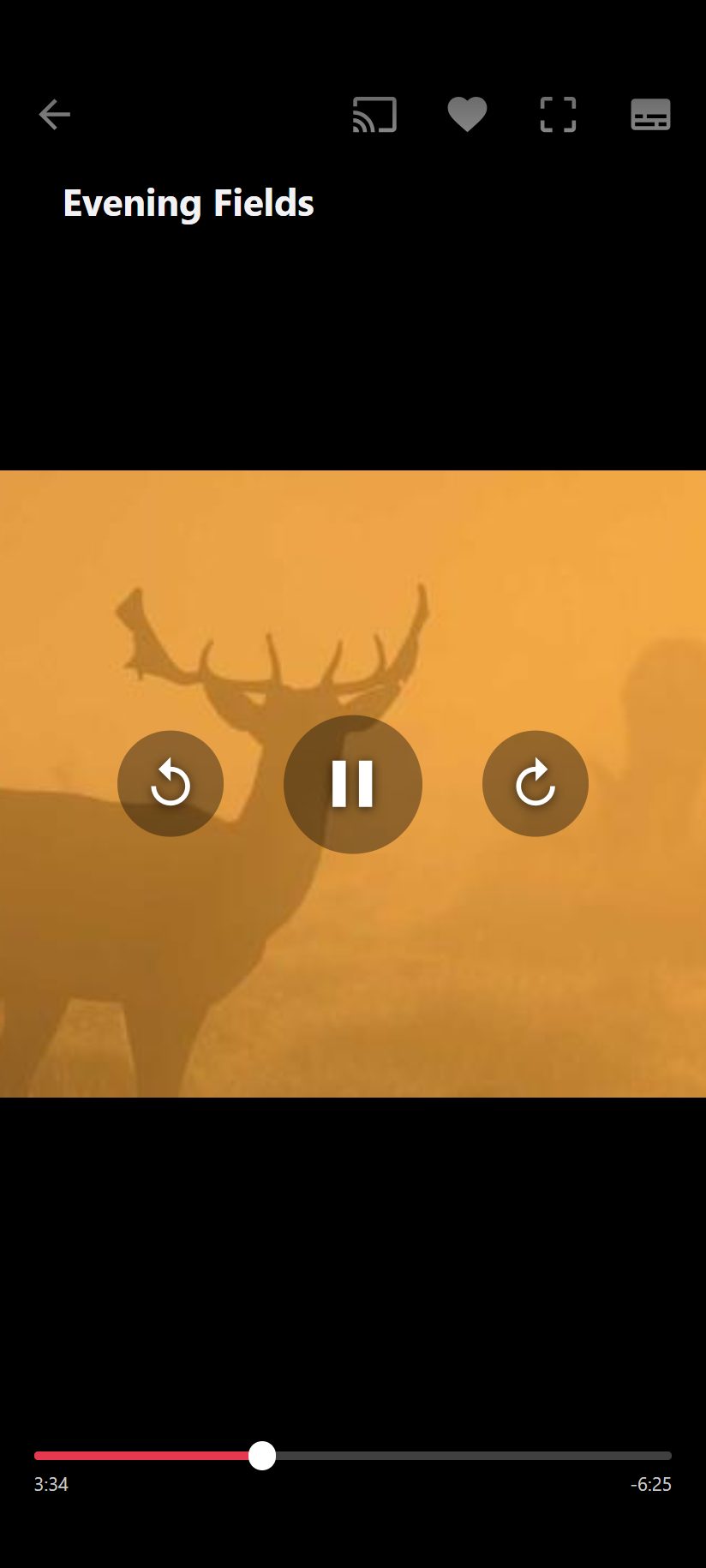
- In the player: tap for the controls, double-tap left or right to skip 10 seconds.
- Swipe up and down on the left for brightness, on the right for volume.
- Swipe sideways to seek, or to zap on live TV. Pinch to fill the screen.
Download for offline viewing
- Download movies and episodes (or a whole season) with the Download button and watch them later without internet, for example on a plane.
- Your downloads are under Movies and Series in the Downloads category, even without internet. A download uses one connection to your provider.
Casting to Chromecast
- Phone and Chromecast on the same Wi-Fi network. Tap the cast icon in the player and choose your Chromecast.
- Your phone becomes the remote. Subtitles from OpenSubtitles are shown on the TV too.
- A regular Chromecast only plays HD (H.264) with AAC or MP3 audio. 4K, HEVC/x265 and DTS do not work; Tivilo TV warns you and offers to play on the phone instead. A Chromecast with Google TV does support 4K and HEVC.
Watch shows from the guide
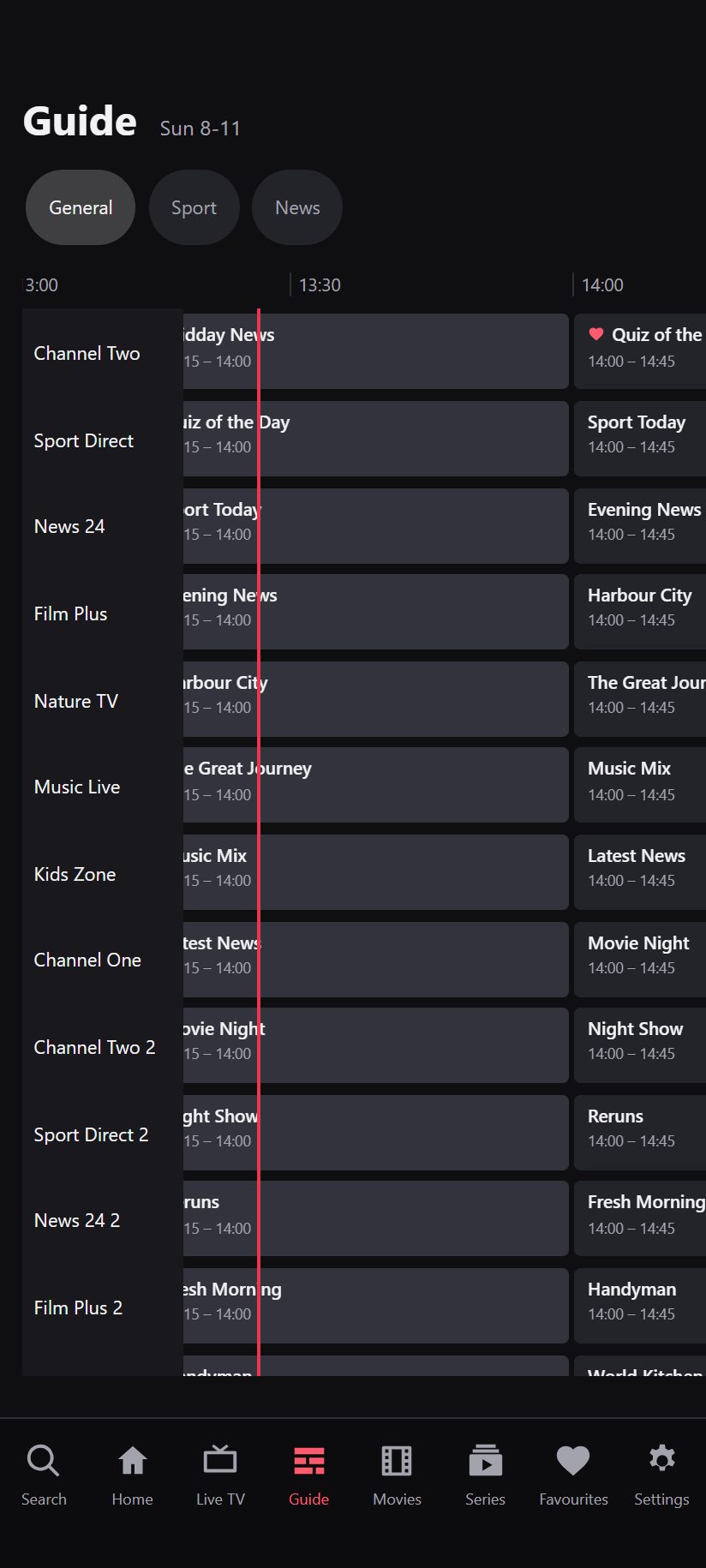
- Pick a show in the guide: long-press a show. A heart appears. If it airs more often, you can mark future episodes too.
- You get a reminder 10 and 5 minutes before, and a countdown 1 minute before. At the start time Tivilo TV switches to the channel. You can cancel in the reminder.
- Tivilo TV needs to be open for this.
Free trial and licence
Lifetime licence
€ 17.99
Pay once, valid forever. Per device.
- For the first 7 days you can use everything. The app shows how many days are left.
- After that the app shows a code. Use that code to buy a licence on the payment page.
- After payment you get a key straight away. If the app is open on the licence screen, it activates itself; otherwise enter the key.
- The licence belongs to this one device and stays valid if you reinstall the app. After a factory reset a new key is needed.
You can also find the code and enter the key earlier in the app, under Settings › Licence.